How to export the search terms report from Google Ads (in 2 minutes)
How to export the Google Ads search terms report in 5 clicks: date range, right columns, mistakes to avoid. The file you need for the free audit.
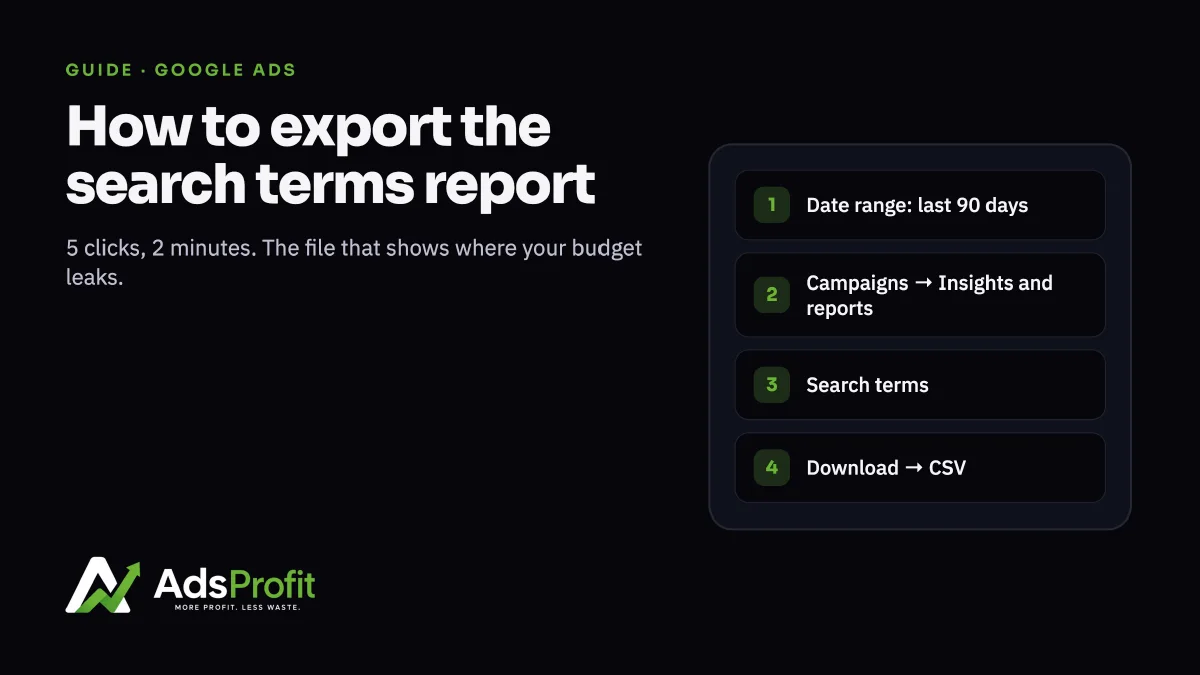
If you advertise on Google, the search terms report is the most important document you have, and almost nobody opens it. It shows the words people actually typed before clicking your ad: not the keywords you chose, the real ones. That’s where waste hides: terms that bring clicks and no sales. It’s the first file we analyse in the free audit.
How to export it
Sign in at ads.google.com and, if you manage several accounts, open the one for your store. Top right, set the date range: last 90 days. Anything shorter and there isn’t enough data to tell waste from chance. Left menu: Campaigns → Insights and reports → Search terms. Leave the filter on “All campaigns”: we need Shopping and Performance Max too. Top right, click the Download icon and choose CSV or Excel. The file lands on your computer. Reply to the audit confirmation email with it attached.
What the file must contain The columns Search term, Impressions, Clicks, Cost, Conversions, Conversion value. They’re the defaults: if you see them on screen, they’re in the file.
Common mistakes
A 7- or 30-day range: too short, re-export at 90. Exporting a single campaign: we need the whole account. The “Keywords” report instead of “Search terms”: they’re different things. Keywords are what you chose; search terms are what people search.
Haven’t requested the audit yet? Fill in the form: within 48 hours we tell you how many euros a month go to searches that never convert.